Blog - The latest articles and news
Stay up-to-date with the latest industry news as our marketing teams finds new ways to re-purpose old CSS tricks articles.
Stay up-to-date with the latest industry news as our marketing teams finds new ways to re-purpose old CSS tricks articles.
by Kingdom Kode Team, Digital Innovation

You think hiding your prices protects your margins. It's doing the opposite. If you've ever asked should I put prices on my website, the honest answer is that staying silent isn't neutral — it's quietly filtering out your best customers.
Every week, ready-to-buy customers hit your website, hunt for a price, find nothing, and leave. They don't call. They don't fill out a form. They book the competitor down the street who told them what a balayage costs. Meanwhile, your phone rings with price-shoppers who eat 15 minutes of your front desk's time and never book.
So let's answer the real question directly. For most salons, med-spas, and home service businesses — yes, and the way you do it decides whether your bookings go up or your inbox fills with tire-kickers.
Here's the trade you're making without realizing it.
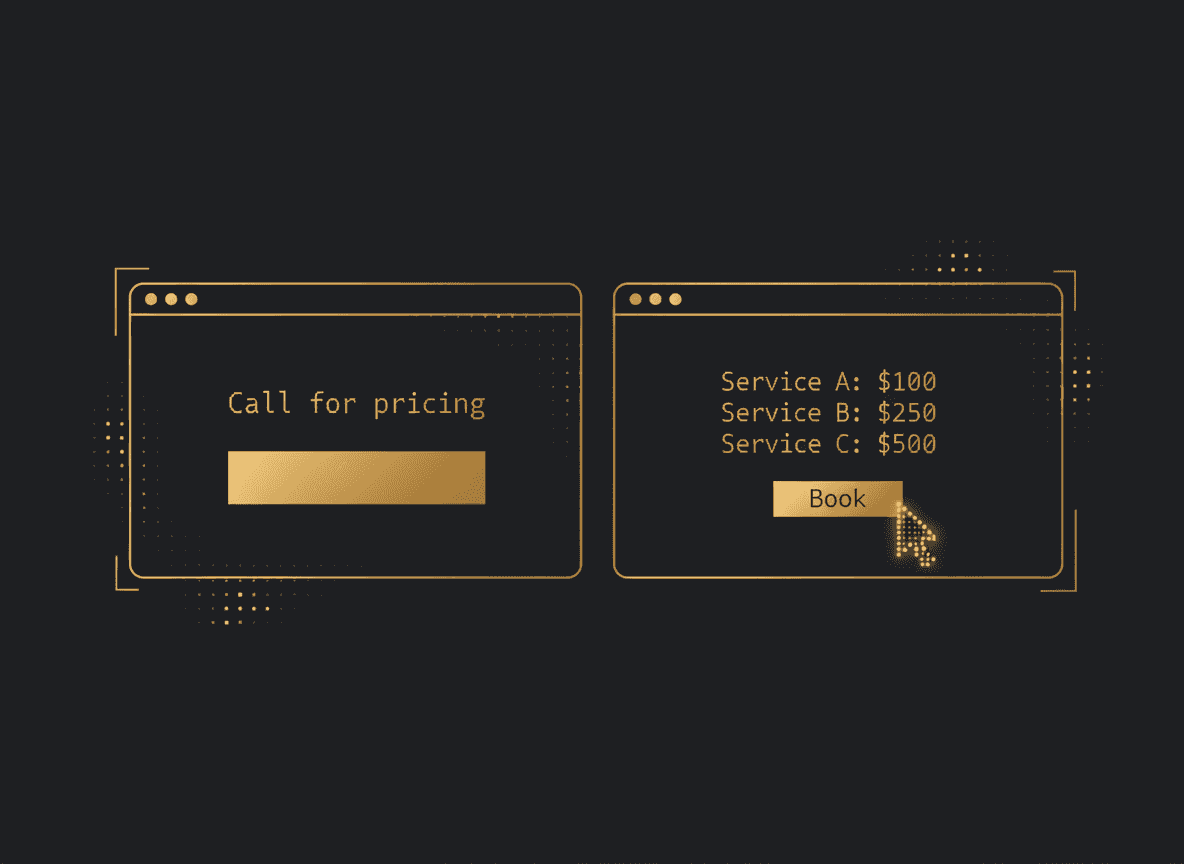
Hiding prices doesn't stop people from caring about price. It just moves the conversation from your website (which works 24/7, for free) to a phone call (which requires a human, during business hours).
Picture a hypothetical med-spa doing $60k/mo. Imagine 40 people a week check the site wanting to know what a Botox appointment runs. If half of them won't call to ask — and typically they won't — that's roughly 20 warm buyers a week quietly walking. You never see them leave. There's no bounce alert that says "lost a $400 client because your pricing page didn't exist." (Illustrative numbers, not a measured case — but the pattern is real.)
That's the danger. The cost is invisible. So you keep doing the thing that feels safe.
And the people who do call? A big chunk are the ones most price-sensitive — the exact customers you claim you're avoiding by hiding numbers.
Before anyone books, they're solving one equation in their head: Is this in my budget, and is it worth it?
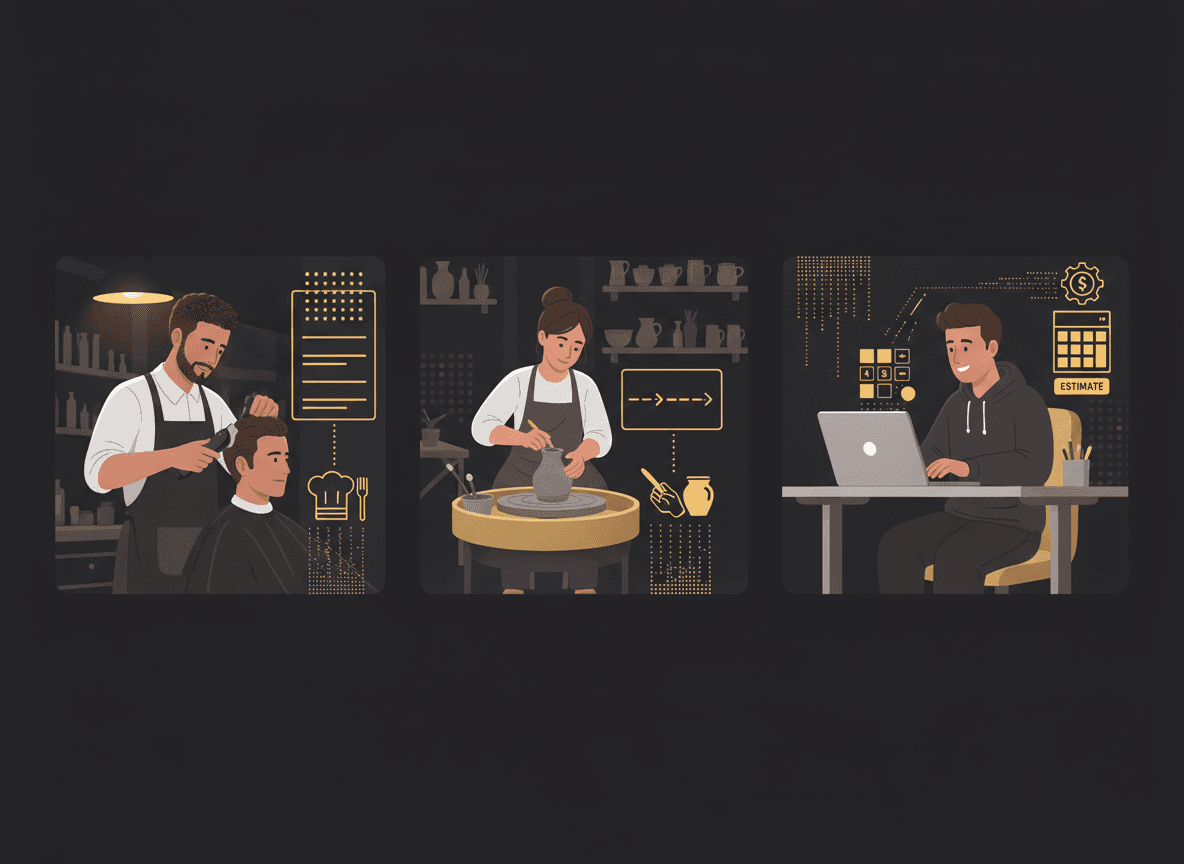
Your website has one job at that moment — answer it. When it doesn't, you force the buyer to do extra work to give you money. Every extra step costs you people.
A ready buyer wants to:
When your site skips step two, you've inserted a phone call between a motivated customer and their credit card. Some push through. Most don't.
The myth is that hiding price lets you "sell the value on the call." But the customer who has to call to learn the base price isn't sold on value — they're stuck on price, which is why they're calling.
Transparency isn't always a flat number. Match the format to your business.
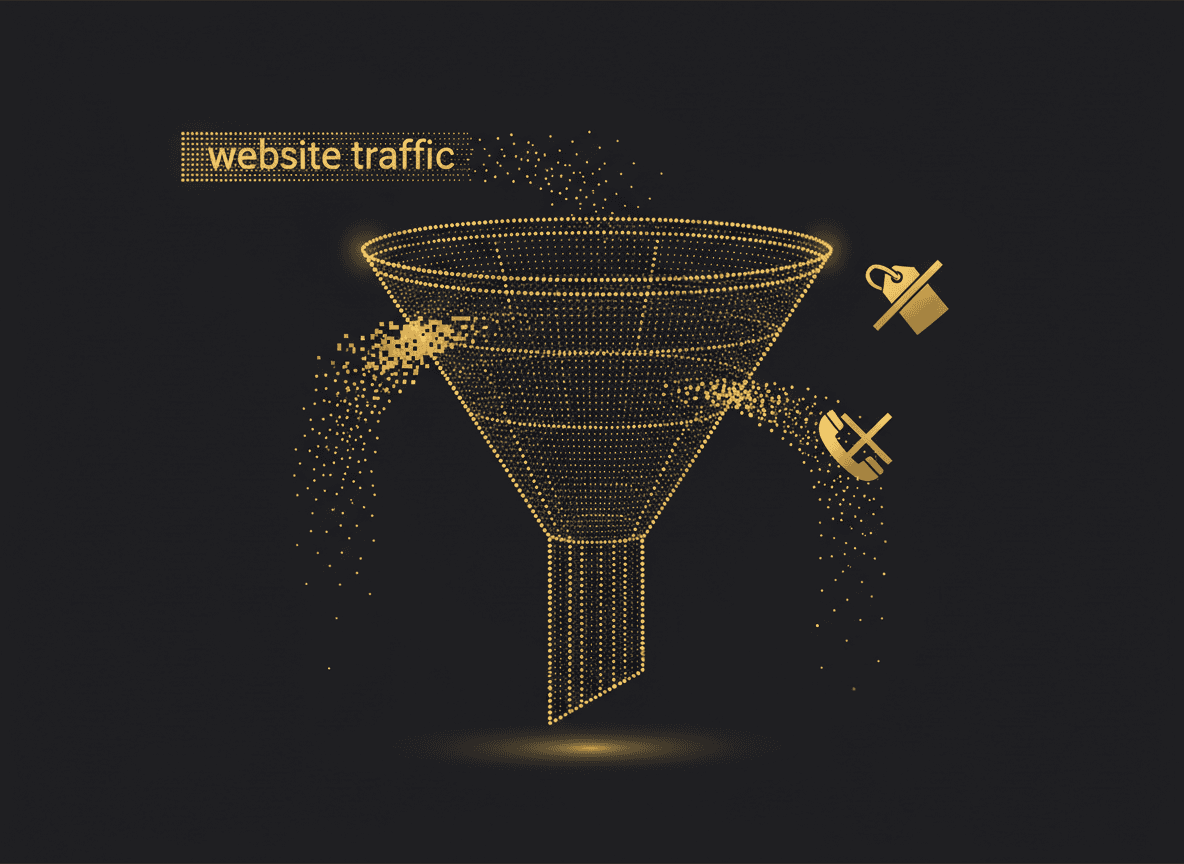
Fixed-menu businesses (salons, barbershops, nail studios, basic med-spa services). Publish the menu. A haircut is $45. Full highlights start at $180. Imagine a barbershop doing $30k/mo with a clean online service menu plus booking — it removes almost every reason to call, and the people who do book already know the price, so they don't flinch at checkout.
Variable-scope businesses (home services, remodeling, landscaping, custom work). You can't post one number because the job changes. So don't. Use "starting at" ranges or an instant estimate tool. "Interior painting starts at $2.50/sq ft" or "Most kitchen jobs run $8k–$18k" does the filtering for you. The customer expecting a $500 kitchen self-selects out. The one with a real budget raises their hand.
High-consideration services. Even here, a range beats silence. "Packages from $2,000" tells the wrong-fit prospect to move on and tells the right-fit one they're in the right place.
The goal isn't to compete on being cheapest. It's to pre-qualify — so the calls you do get are from people ready to buy.
Here's the system that turns your website into a filter instead of a leak.
Publish a clear service menu. Group services, list what each includes, show the price or the starting range. Plain language. No "call for pricing."
Add instant booking right next to each service. The moment someone sees a price they accept, the "Book" button is right there. No form. No waiting for a callback. You captured them at peak intent.
For variable work, put an estimate tool or range up front. Let the customer scope themselves before they ever reach you. By the time they book a consult, they're pre-qualified on budget.
This does two things at once. It converts the ready buyer instantly, and it screens out the shopper who was only going to waste your front desk's time. Your booked jobs go up. Your junk calls go down. Same website, opposite result.
Most SMB sites do neither. They hide prices and make you call to book — two points of friction stacked on top of each other. Every one of those is a place buyers quietly disappear.
Hiding prices feels like control. It's actually a leak you can't see.
The businesses winning bookings aren't the cheapest. They're the clearest. They answer the buyer's first question before they're asked, and they put a booking button one inch from the answer.
If you're not sure whether your site answers "how much?" — or whether it's silently sending buyers to your competitor — that's exactly what a diagnostic is for.
Run your free Revenue Code Diagnostic at /diagnostic. It flags whether your website answers your buyer's first question and where you're losing ready-to-buy customers before they ever call. No pitch, just the diagnosis.
Want more breakdowns like this? Read the rest of the blog.
Most SaaS founders treat the free trial as a waiting room. The ones converting at 25% or higher treat it as a structured sales system. Here is how to build that system.
Read moreA product roadmap tells you what you are building. A revenue engine tells you whether it is making money. Most SaaS founders only have one of these, and it is the wrong one.
Read more